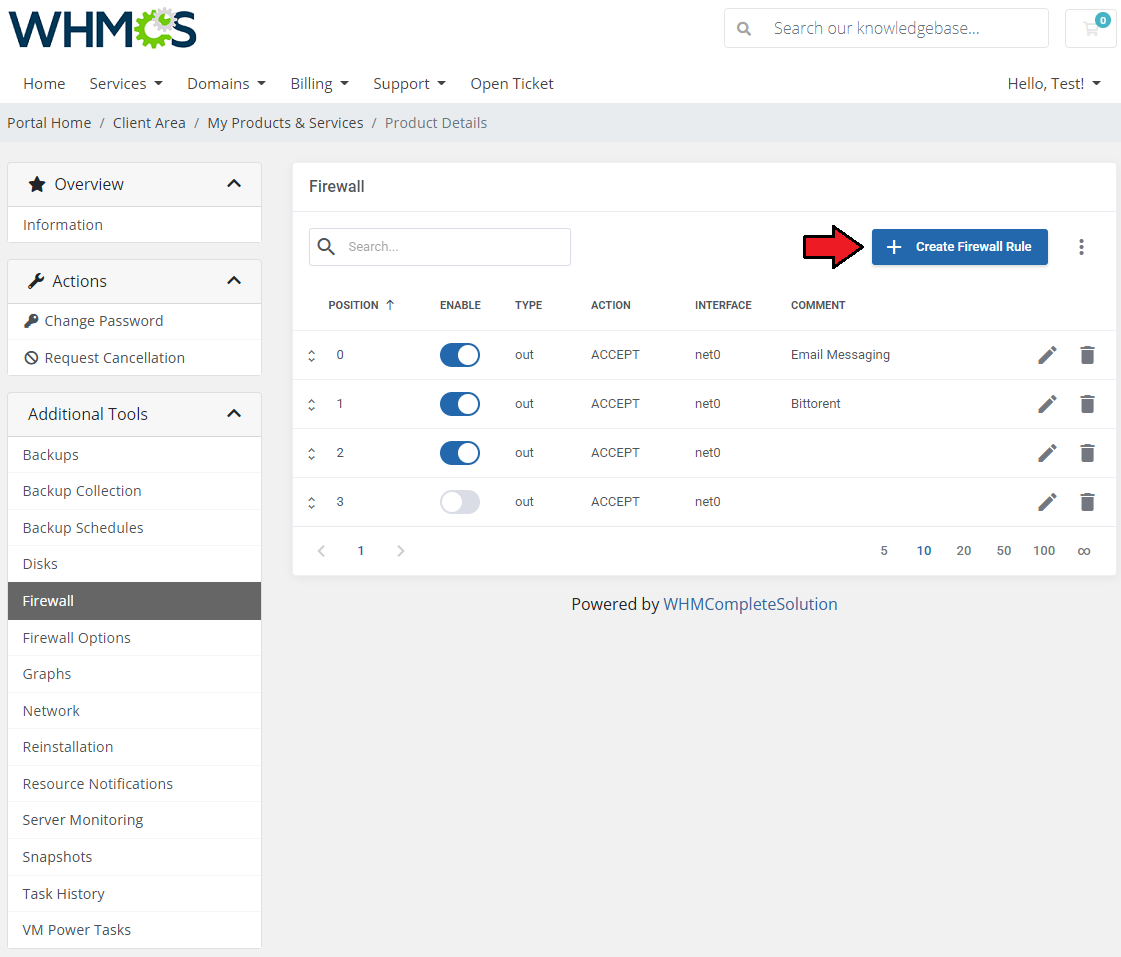
Owing to the 'Firewall' page, you can set up firewall rules for your servers from the our client area.
As you can see, you can easily modify and remove the previously added rules
To add a new firewall rule press the 'Confirm' button.
You can add a firewall rule in two ways. Both of them require choosing a direction, action, interface, source, and destination. The first way (orange) is to choose macro from the 'Macro' dropdown field. The second way (blue) requires you to choose a protocol and fill in both the source and destination ports. Additionally, you can enable a rule, and add a comment to it. Press 'Confirm' to create a rule.

You can add a firewall rule in two ways. Both of them require choosing a direction, action, interface, source, and destination. The first way (orange) is to choose macro from the 'Macro' dropdown field. The second way (blue) requires you to choose a protocol and fill in both the source and destination ports. Additionally, you can enable a rule, and add a comment to it. Press 'Confirm' to create a rule.
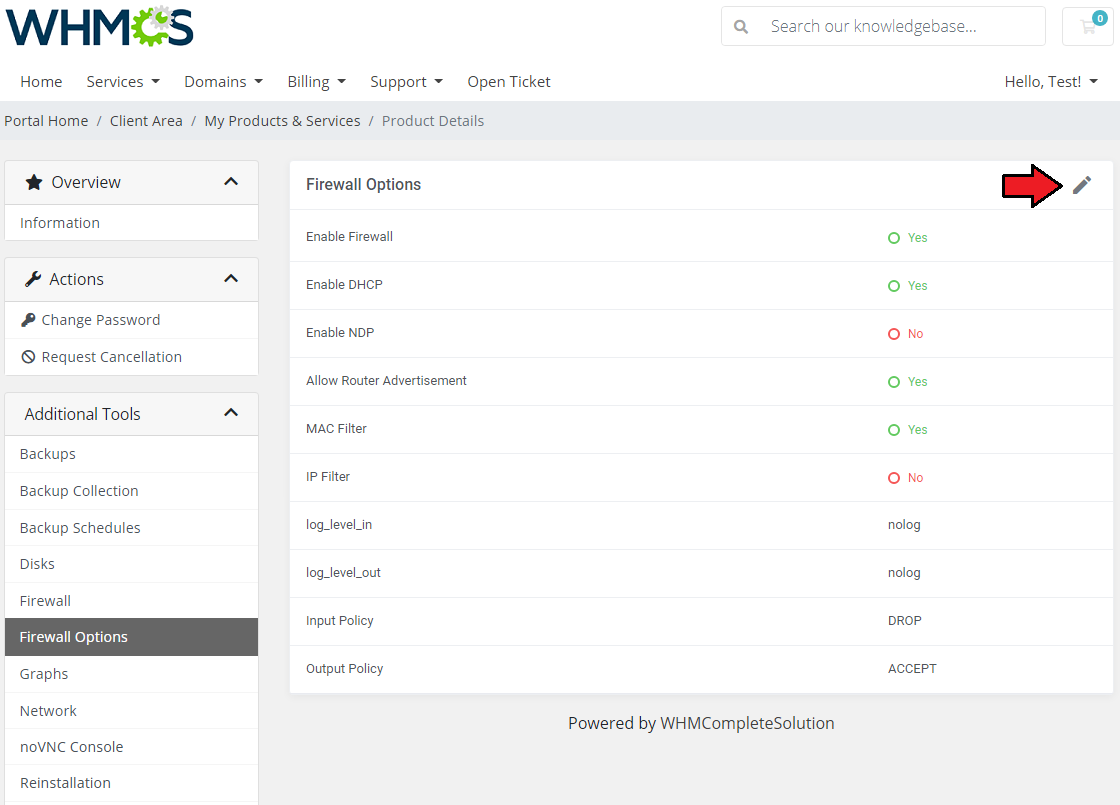
Firewall Options
Here you can view the current firewall settings. To decide on its options, press the 'Edit' button, and adjust them to your needs.